What File to Send for Printing: Logos, DPI and Color
The file you send decides how sharp your tent, backdrop or flag looks at full size. What to send, what to avoid, and how to check a file before you order.
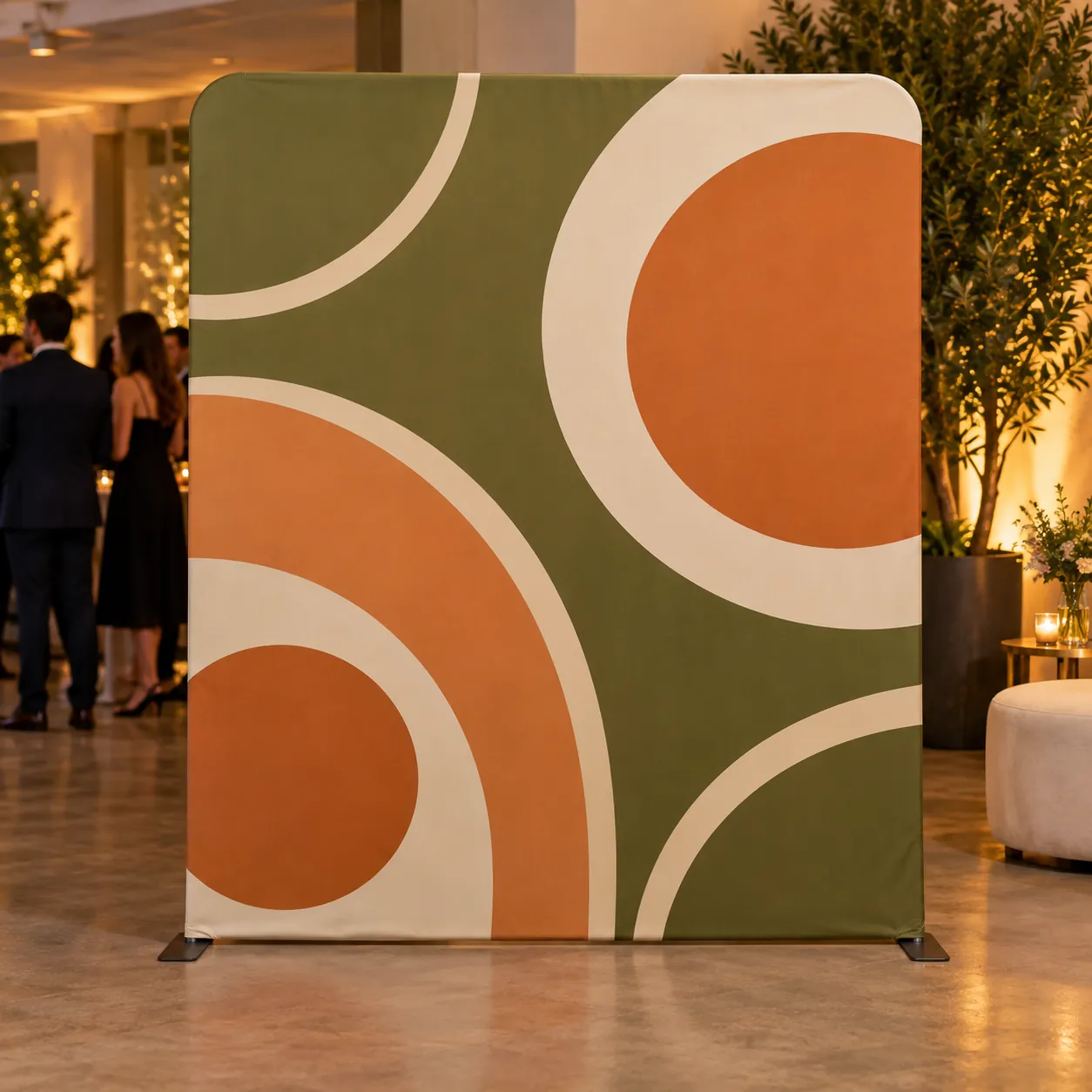
Everything we make is printed far bigger than most logos were drawn for. A logo that looks crisp in an email signature can turn soft across a 10 ft backdrop. You rarely need a designer to fix that. You need the right file, and a way to check it before you order.
The short answer
- Best: a vector file. AI, EPS, SVG, or a PDF saved from Illustrator or a similar design program.
- Good: a high resolution PNG, 300 DPI or higher at the size it will print.
- Still send it: if a small or blurry file is all you have, send it anyway. We check every file at the size it will print, and if it will not hold up we tell you before anything is made.
Vector or raster, and why it matters at 10 feet
A vector file stores shapes as lines and curves, so it scales to any size with clean edges. A raster file (PNG, JPG) is a fixed grid of pixels. Stretch it across a canopy and every pixel gets bigger, which shows as soft or stepped edges.
To tell which one you have, open the file and zoom in to 400 percent. Edges that stay sharp mean vector. Edges that turn into little squares mean raster.
One trap catches a lot of people: a PDF or an SVG is not automatically vector. Many online design tools save a flat picture inside a PDF. It looks like a vector file and prints like the picture inside it. If you are not sure, send it and we will check.
How many pixels a raster file needs
For a PNG or JPG, the number that matters is pixels at the printed size. DPI is simply pixels divided by printed inches. A logo 1,200 pixels wide printed 12 inches wide is 100 DPI. The same file printed 4 inches wide is 300 DPI.
That is why a logo that is fine on a hat can be too small for a feather flag or the back wall of a canopy tent. Tell us the product and where the logo goes, and we work out the real resolution before the proof.
Files to be careful with:
- Screenshots of a website or a phone screen
- Logos saved from social media, which are compressed
- Images copied out of an email signature
- A PNG with a grey and white checkerboard behind the logo. That pattern is part of the picture, not a transparent background, and it will print.
- A logo sitting on a solid black or white box. The box prints too, so ask for a version on a transparent background.
Color: screens and fabric are different
A screen makes color with light. Fabric is printed with dye. Most colors land close, but bright greens, oranges and some blues can shift. If a color has to match exactly, send the Pantone code, for example PMS 186 C. Tents, flags, backdrops and banner stands have a Pantone color match option on the product page, priced there.
No Pantone code? Tell us which color matters most and send a photo of something already printed in it. We match it as closely as the process allows and show you on the proof.
Text and fonts
If the file has text, convert it to outlines (in Illustrator: Type, then Create Outlines) or send the font files with it. Otherwise a different font can be substituted. Check names, dates and web addresses too. We print exactly what the approved proof shows.
Size and shape
A square logo on a long banner, or a wide design on a tall flag, has to be scaled, cropped or rearranged. The tent, flag, backdrop, banner stand and rectangular table cover pages have a design template for each size, right under the size choice. Build on the template when you can, and keep important text away from the edges.
How to send it
On any product page, the Artwork step lets you upload your file before you add it to the cart: PNG, JPG, PDF, AI, EPS or SVG, up to 50 MB. You can also choose to send it later and reply to your order email with the file, or email a larger file to info@promomogul.com.
Either way, you get a free digital proof of exactly what will print, and nothing goes to production until you approve it. Designing a logo wall? Read how to design a step and repeat that photographs well.
Quick answers
- What is the best file format for printing a logo?
- A vector file: AI, EPS, SVG, or a PDF saved from a design program. A high resolution PNG at 300 DPI or higher at the printed size also works.
- Can you print from a low resolution logo?
- Often, yes. Send it anyway. We check it at the size it will print and tell you before anything is made if it needs a better file.
- How do I send my artwork?
- Upload it in the Artwork step on the product page (PNG, JPG, PDF, AI, EPS or SVG, up to 50 MB), or choose to send it later and reply to your order email with the file.
- Will the printed color match my screen?
- Most colors land close, but screens and dyed fabric differ. For an exact match, send a Pantone code; tents, flags, backdrops and banner stands offer a Pantone color match option.
Questions on any of this? Email info@promomogul.com. We reply Mon to Fri, 8 to 6 Pacific.